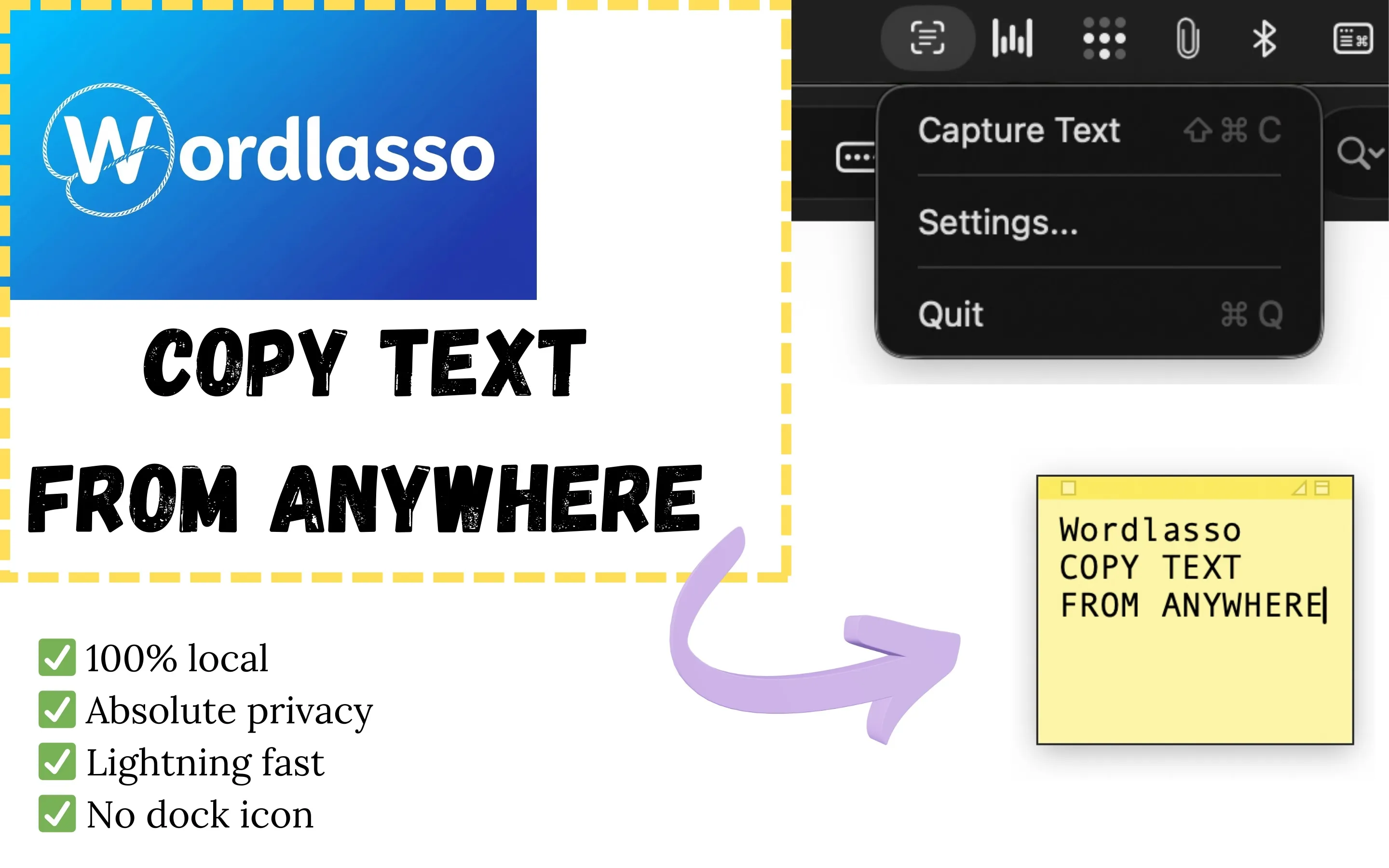
One keyboard shortcut, a click and drag, and the text is yours — copied to your clipboard and ready to paste anywhere. 100% offline.
No more bloated screenshot apps or heavy tools. Clean, fast, and respectful of your privacy.
Press your customizable global shortcut (⇧⌘C by default), lasso any area, and get instant on-device OCR. Line breaks are preserved and audio confirms each capture.
All OCR runs on your Mac — no cloud, no accounts, no analytics. Screen captures exist only in memory for a moment during processing. Clipboard history stays encrypted on disk, never transmitted.
Lives in your Menu Bar with no Dock icon, always ready but never in the way. Works across multiple monitors. Optional launch at login — off by default, enable only if you want it.
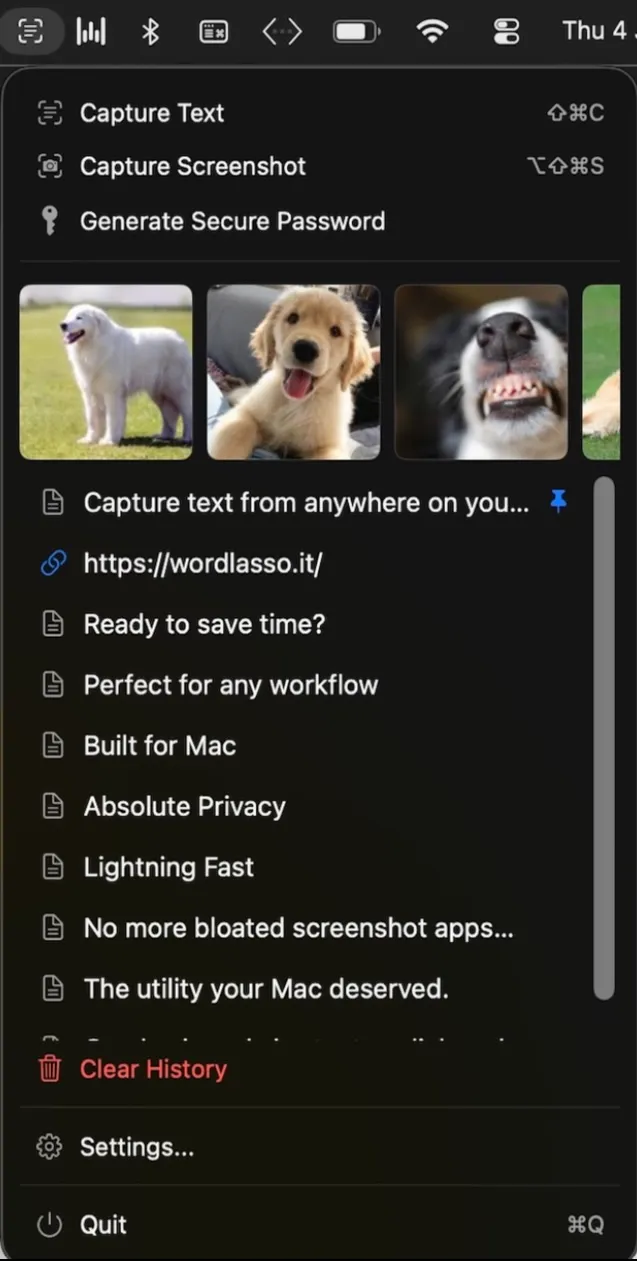
Text capture is just the start. WordLasso packs everyday clipboard tools into one lightweight utility.
Lasso a screen area and copy it as an image. Perfect for quick snippets without opening a full screenshot app.
Lasso a QR code with Capture Text and the link or payload lands on your clipboard — detected on-device, no extra app needed.
Browse text and images copied from any app. Pin what matters, open URLs with one click, and keep passwords masked — all stored locally and encrypted on your Mac.
Generate a strong password in one click — copied to your clipboard and saved in history. Customize length and character sets in Settings.
Download now — text capture, region screenshots, and clipboard history in one menu bar app.
Get WordLasso Now